How to Create an SEO-Friendly URL Slug for a Blog Post
 Olivia Bennett
·
Oct 21, 2026
Olivia Bennett
·
Oct 21, 2026
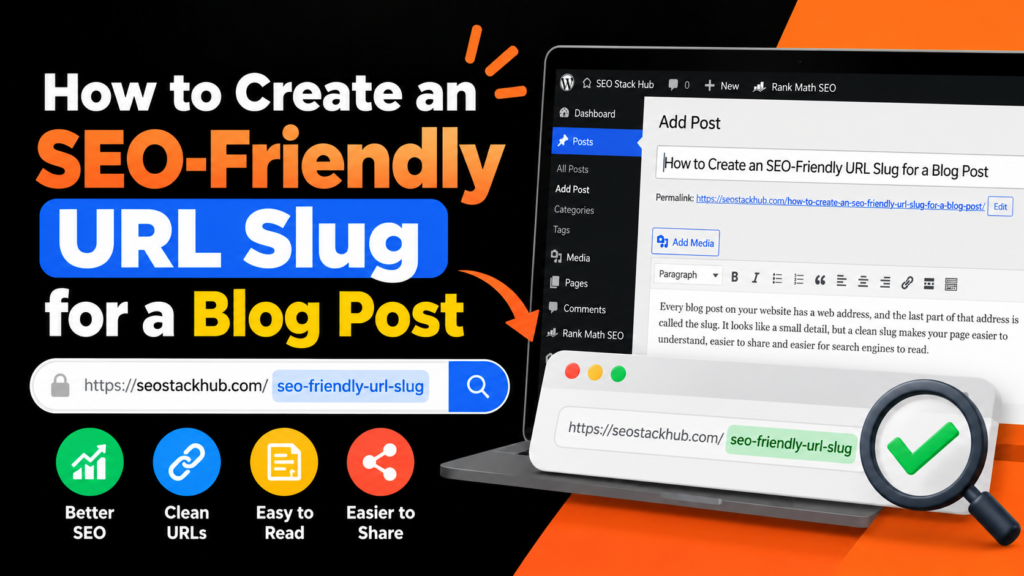
Every blog post on your website has a web address, and the last part of that address is called the slug. It looks like a small detail, but a clean slug makes your page easier to understand, easier to share and easier for search engines to read. A messy slug, on the other hand, looks untrustworthy and can cause problems later if you change it. In this guide, you will learn what a URL slug is, the rules for creating an SEO-friendly one, examples of good and bad slugs, and how to avoid common mistakes.
What Is a URL Slug?
A slug is the part of a URL that identifies one specific page. Look at this example:
https://example.com/write-seo-friendly-titles/
Here, write-seo-friendly-titles is the slug. The domain tells people which website they are on, and the slug tells them which page. A good slug describes the page content in a few simple words.
Why Your Slug Matters for SEO
- Clarity for users. People can guess what the page is about before clicking.
- Clarity for search engines. Keywords in the slug give an extra hint about the topic.
- Better sharing. Short, readable links look more trustworthy on social media and messaging apps.
- Easier management. Clean slugs make it simpler to organize and audit your content later.
A slug is not a magic ranking factor, but it is a simple best practice that supports everything else you do. Google recommends simple, descriptive URLs in its URL structure best practices.
9 Rules for an SEO-Friendly Slug
1. Include Your Main Keyword
Use the primary keyword or a close version of it. For an article about low competition keywords, a slug like find-low-competition-keywords is clear and relevant.
2. Keep It Short
Three to five words is a good target. Long slugs are harder to read and share, and they often repeat words from the title unnecessarily.
3. Use Hyphens to Separate Words
Use hyphens, not underscores or spaces. Hyphens are the standard way to separate words in URLs and are easy for both people and search engines to read.
4. Use Lowercase Letters Only
Servers can treat uppercase and lowercase URLs as different pages, which may create duplicate page problems. Keeping everything lowercase avoids this.
5. Remove Unnecessary Stop Words
Words like “a”, “the”, “of”, “and” and “to” can often be removed. “How to Write a Meta Description for Your Website” becomes write-meta-description. Keep them only if removing them changes the meaning.
6. Avoid Special Characters
Skip symbols such as ?, !, &, %, # and accents where possible. They make URLs ugly and can cause errors in some systems.
7. Avoid Dates Unless Truly Needed
If your slug contains a year, you will need to change it when you update the article, which creates redirects. Put the year in the title instead, and keep the slug timeless.
8. Make It Readable by Humans
If a person cannot understand the slug, it needs improvement. “p=1234” tells nothing, while “seo-friendly-url-slug” tells everything.
9. Keep It Stable After Publishing
Changing a slug after a page is live changes the page address. Any link pointing to the old one will break unless you add a redirect.
Good Slugs vs Bad Slugs
- Bad:
/2026/10/p=1234?ref=How-To_Write_Titles!!
Good:/write-seo-friendly-titles/ - Bad:
/The_Ultimate_Complete_Guide_To_Finding_Keywords_For_Free/
Good:/find-keywords-free/ - Bad:
/post-27/
Good:/fix-broken-links/
How to Create a Slug Step by Step
- Start with your final article title or main keyword.
- Remove stop words and extra descriptive words.
- Convert everything to lowercase.
- Replace spaces with hyphens.
- Check that the slug still makes sense on its own.
You can do all of this automatically with our URL Slug Generator. Paste your title, and it removes special characters, handles spaces and gives you a clean result to copy. Once you have a strong title, read how to write SEO-friendly titles so your title and slug work together.
How to Set a Slug in WordPress
- Open your post in the editor.
- In the settings sidebar, find the Permalink or URL field.
- Replace the automatic slug with your shorter version.
- Check it again, then publish.
Also make sure your site-wide permalink structure is set to “Post name” in Settings so your URLs stay clean.
What If You Need to Change a Slug?
Sometimes you must change an existing slug, for example when the original was very poor. In that case:
- Set up a 301 redirect from the old URL to the new one.
- Update your internal links so they point to the new address.
- Update your sitemap and resubmit it in Search Console.
Do this only when it is really needed. For good slugs, leave them alone. If a page is not showing in Google after changes, see our guide on choosing better keywords for new content to make sure the topic itself is well targeted.
Frequently Asked Questions
Should the slug match the title exactly? No. The slug can be a shorter version of the title that keeps the main keyword.
Do I need the keyword in the slug? It is recommended, because it helps clarity, but the page content matters far more.
Are category names in the URL necessary? Not for most blogs. Simple slugs are usually easier to manage. For help promoting your best pages, you can explore our guest post services.
Conclusion
A good URL slug is short, readable, lowercase, hyphen-separated and based on your main keyword. Decide on it before you publish, avoid dates and special characters, and keep it stable. It takes only a minute per post, but it improves clarity for users and search engines for as long as the page exists.